
Opening your page…
You can still use the navigation while it loads.
Opening your page…
You can still use the navigation while it loads.
Intercultural Practice and Equity · Public-service practice
Every online process is a set of requirements about devices, connections, sign-ins, privacy and reading speed. Four lessons on seeing the whole path a person travels, ending with a review you run on one real service.
40–45 minutes · 4 lessons · Voluntary learning
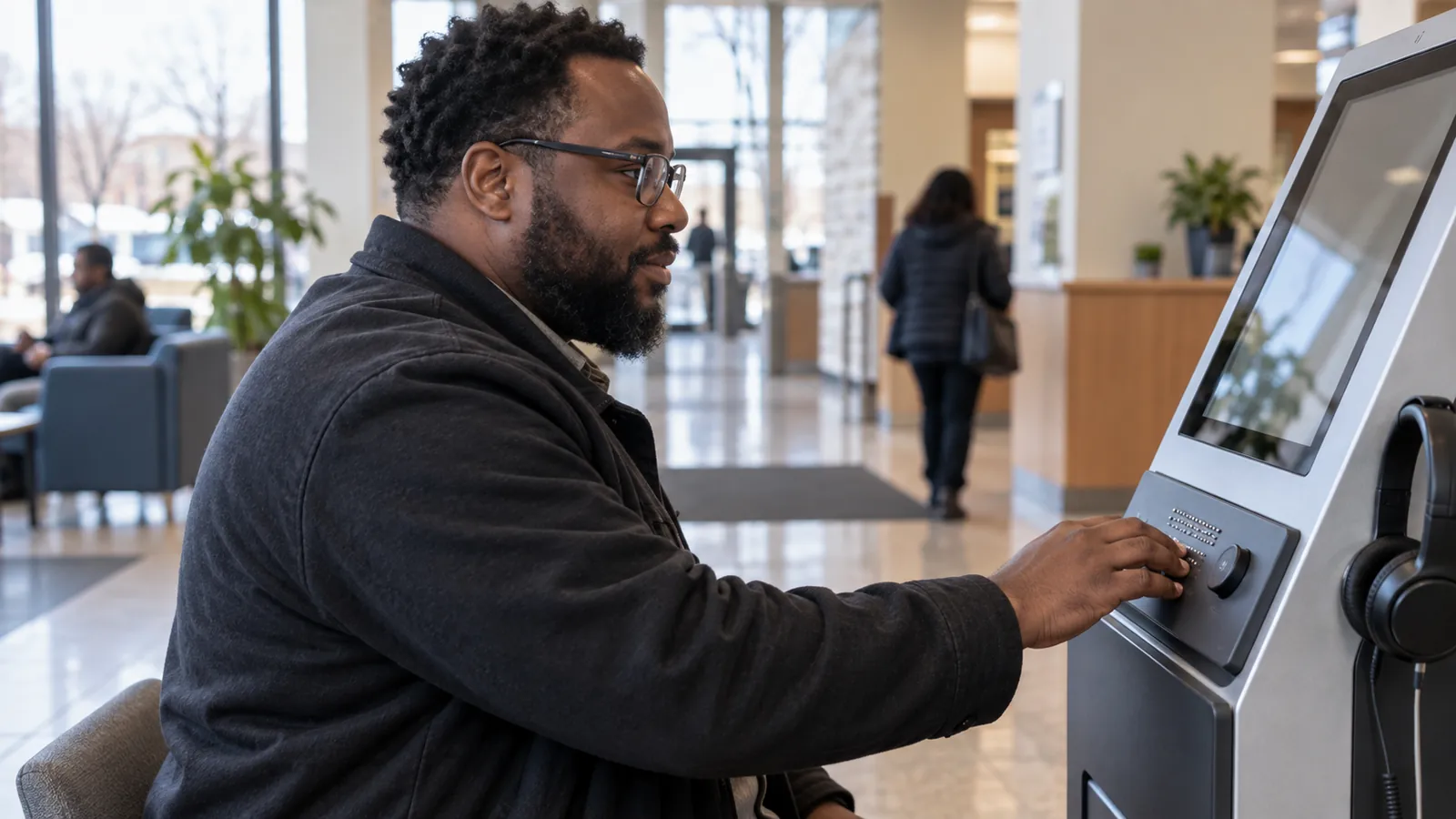
Everything an online process quietly asks for before it gives anything back: a device, a connection, an account, a readable screen, private time, and a way to ask a question that is not itself online.
What the tools do, what stops them working, and how much of that is decided in the documents, decks and recordings staff make themselves.
Identity checks, security settings, shared devices and error messages decide who finishes an online process, and they are usually written by people who never get stuck.
A review anyone can run without tools or budget: walk the whole workflow, try it the way other people have to, make it fail on purpose, and write findings someone can act on.
Choose one digital service or workflow you touch — a public form, an online comment page, a grant application, a registration, an internal process your team runs. Run the review on it, fix what you own, route the rest with suggested wording, and tell the people who raised the problem what happened to it.
Most of what this division asks people to do now happens on a screen: find the page, make an account, sign in, read the form, send a document, wait for a confirmation. Every one of those steps is a requirement about equipment, connection, privacy, reading and time, and most of them were set by people who never got stuck. This module looks at the whole path rather than the page: what digital access actually asks of a person, what makes assistive technology work or fail, how identity checks and on-screen wording decide who finishes, and how to review one real service or workflow for the places it stops somebody. It ends with a review you can copy and run this month.
The standard covers the page. The person has to get through the whole path.
Keep the path, the tools and the review in view while you publish a page, post a recording, run an online process, or check a form before it goes out.
Run the review on one real service this month, fix what you own, route the rest with wording, and tell the person who raised it what happened.
Participation and course completion in this program do not count toward DHS-required training credits unless management, a director, or DHS leadership expressly approves an exception.
Minnesota's accessibility standard for state digital content, the Web Content Accessibility Guidelines it follows, and practical guidance for documents, pages and purchased technology.
U.S. Department of Justice guidance on why web and mobile accessibility is required of state and local government, and the technical guidelines the requirement points to.
The international guidelines behind both the state and federal requirements, with the conformance levels named in supplier reports.
A first review of a page that anyone can run without specialist tools — the method behind the checks in this module's practical tool.
Guidance on audience, structure, useful headings and wording, including the error messages, instructions and confirmations people meet on a screen.
Minnesota's broadband program and maps of where service is and is not available, the connection side of digital access across the state.
Minnesota's advisory council on disability policy, access and rights, including accessibility guidance for public bodies and a route to disability-led expertise.
The design reference for this curriculum: multiple ways to engage, culturally responsive materials and accessible instruction.